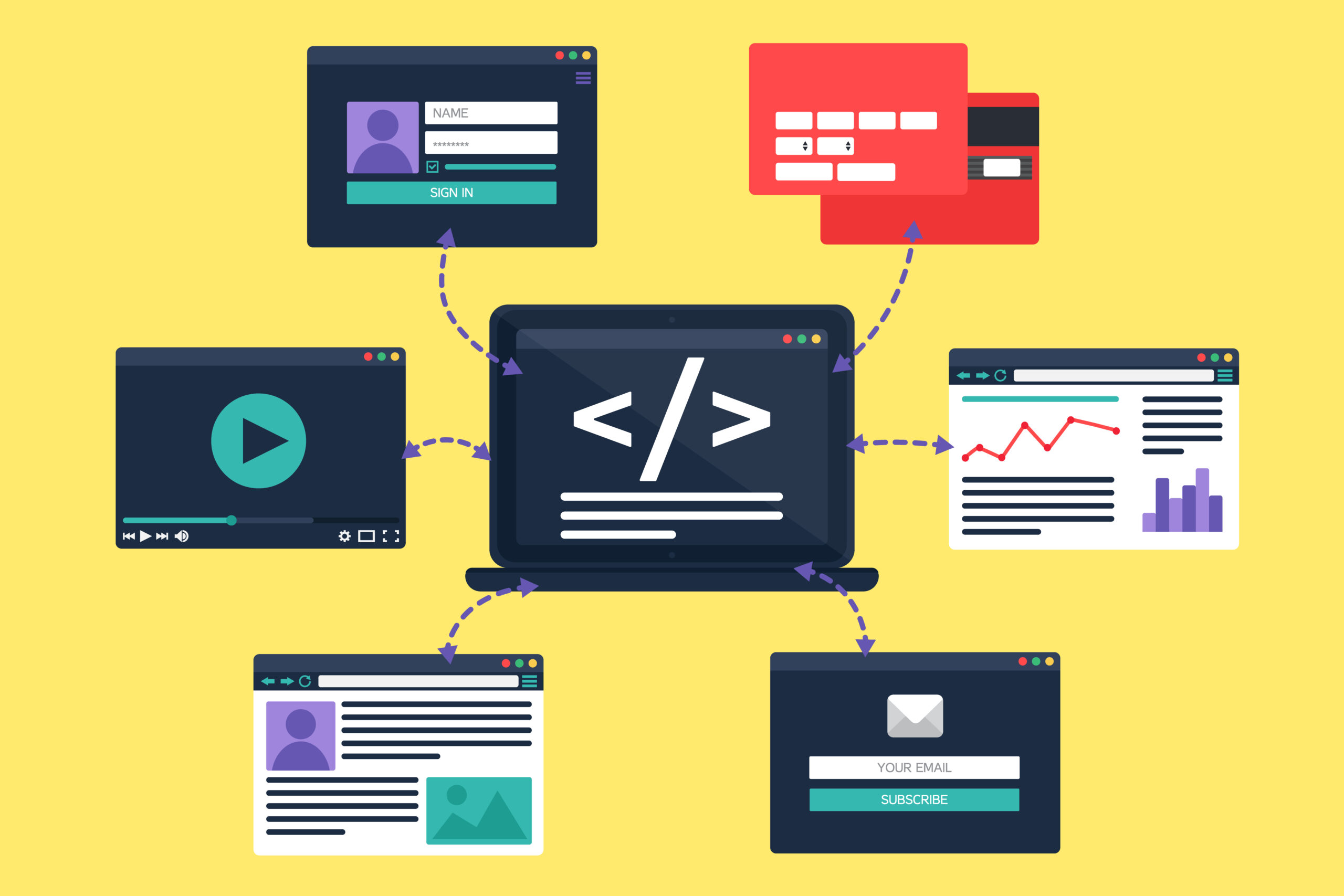
Launching a website is a significant milestone, often accompanied by meticulous testing to ensure that every feature, including forms, operates seamlessly. Initially, everything may appear flawless, with forms capturing inquiries, subscriptions, and orders without a problem. However, the digital landscape is dynamic, and over time, various factors can disrupt the functionality of your website forms. There are several reasons why forms that worked perfectly at launch might encounter issues later. Here are some of the common causes behind these problems, and the steps you can take to maintain their reliability.
Why Forms May Fail Over Time
Several factors can cause website forms to malfunction after a period of smooth operation. Understanding these reasons is essential for proactive maintenance and ensuring uninterrupted business communications.
- Web Server Issues
Your website’s web server is its backbone, handling all requests and delivering content to users. Over time, server-related issues can emerge, affecting form functionality:
- Server Downtime: Scheduled maintenance or unexpected outages can render forms inaccessible.
- Configuration Changes: Updates or modifications to server settings might inadvertently disrupt form processing.
- Resource Constraints: Increased traffic or inadequate server resources can lead to form submission failures, especially during peak times.
- PHP Mail Function Limitations
Many websites utilize the PHP mail() function to handle form submissions. While effective initially, this method can become problematic over time due to:
- Hosting Provider Restrictions: Some hosts may disable the mail() function to enhance security, affecting form submissions.
- Spam Filters: Emails sent via PHP mail() are more susceptible to being flagged as spam, preventing them from reaching intended recipients.
- Authentication Issues: Without proper email authentication, delivery reliability diminishes, leading to missed inquiries.
- Software Updates and Coding Errors
Websites, especially those built on platforms like WordPress, undergo regular updates to improve security and functionality. However, these updates can introduce:
- Compatibility Issues: New versions of core software, themes, or plugins might conflict with existing form code, causing malfunctions.
- Coding Mistakes: Errors introduced during updates or modifications can disrupt form operations, leading to incomplete submissions or failures.
- Plugin Conflicts
Forms on platforms like WordPress often rely on plugins for their functionality. Over time, interactions between different plugins can lead to conflicts:
- Outdated Plugins: Plugins that are not regularly updated may become incompatible with the latest platform versions, affecting form performance.
- Multiple Plugins: Using several plugins that handle similar functions can create overlaps and conflicts, resulting in form issues.
Alternatives to the PHP Mail Function
Given the potential pitfalls of relying solely on the PHP mail() function, exploring more robust alternatives can enhance the reliability of your website forms over time.
- WP Mail SMTP Plugin from WPForms
The WP Mail SMTP plugin is a widely recommended solution for improving email deliverability on WordPress sites, and we are using it more and more to ensure emails are delivered into our client’s inbox. It reconfigures the wp_mail() function to use SMTP (Simple Mail Transfer Protocol), offering several advantages:
- Enhanced Deliverability: Authenticated SMTP servers reduce the likelihood of emails being marked as spam.
- Broad Compatibility: Seamlessly integrates with various email services and plugins.
- User-Friendly Setup: Simplifies the configuration process with support for popular SMTP providers.
So long as you have access to your DNS (so you can add txt records to authenticate the domain, you can set up a third party SMTP service like MailGun.
The Responsibility of Site Owners Without Maintenance Contracts
For website owners who do not have a maintenance contract, ensuring the continued functionality of their site, including forms, becomes their sole responsibility. This involves:
- Regular Monitoring and Testing
Proactively testing forms ensures that submissions are received and processed correctly. Regular checks can identify issues before they escalate, maintaining the flow of genuine inquiries and interactions.
- Keeping Software Up to Date
Maintaining up-to-date core software, themes, and plugins minimises compatibility issues and security vulnerabilities that can disrupt form functionality.
- Implementing Reliable Email Solutions
Adopting SMTP-based email solutions or third-party services like WP Mail SMTP or PHPMailer enhances the reliability of email delivery, ensuring that form submissions reach their intended destinations.
- Monitoring Server Health
Keeping an eye on server performance and uptime helps detect and address potential issues that could affect form operations, ensuring consistent accessibility and performance.
Best Practices for Sustaining Functional Website Forms
To ensure your website forms remain effective and reliable long after launch, consider implementing the following best practices:
- Conduct Regular Testing: Periodically submit test forms to verify that submissions are being received and processed as intended.
- Keep Software Updated: Regularly update your website’s core software, themes, and plugins to ensure compatibility and security (or get us to do it for you on a maintenance agreement).
- Utilise Reliable Email Solutions: Implement SMTP-based or third-party email services to enhance email deliverability and reliability.
- Maintain Regular Backups: Regular backups allow for quick restoration of website functionality in case of failures or compromises.
Missing or failing to receive genuine client inquiries isn’t merely an inconvenience—it poses a significant threat to your business’s viability. By prioritising the continuous functionality of your website forms, you ensure that your business remains accessible, trustworthy, and poised for sustained growth in the competitive online marketplace.